

32
%
reduction in turnover of hourly paid crew in new sites in 3 months













Design once. Automate everywhere. Oak’s business workflow management tools are seamless and intuitive, replacing manual admin with smooth, automated workflows. Digitalising these processes enables your employees to spend less time on manual admin and more time on valuable, meaningful work.
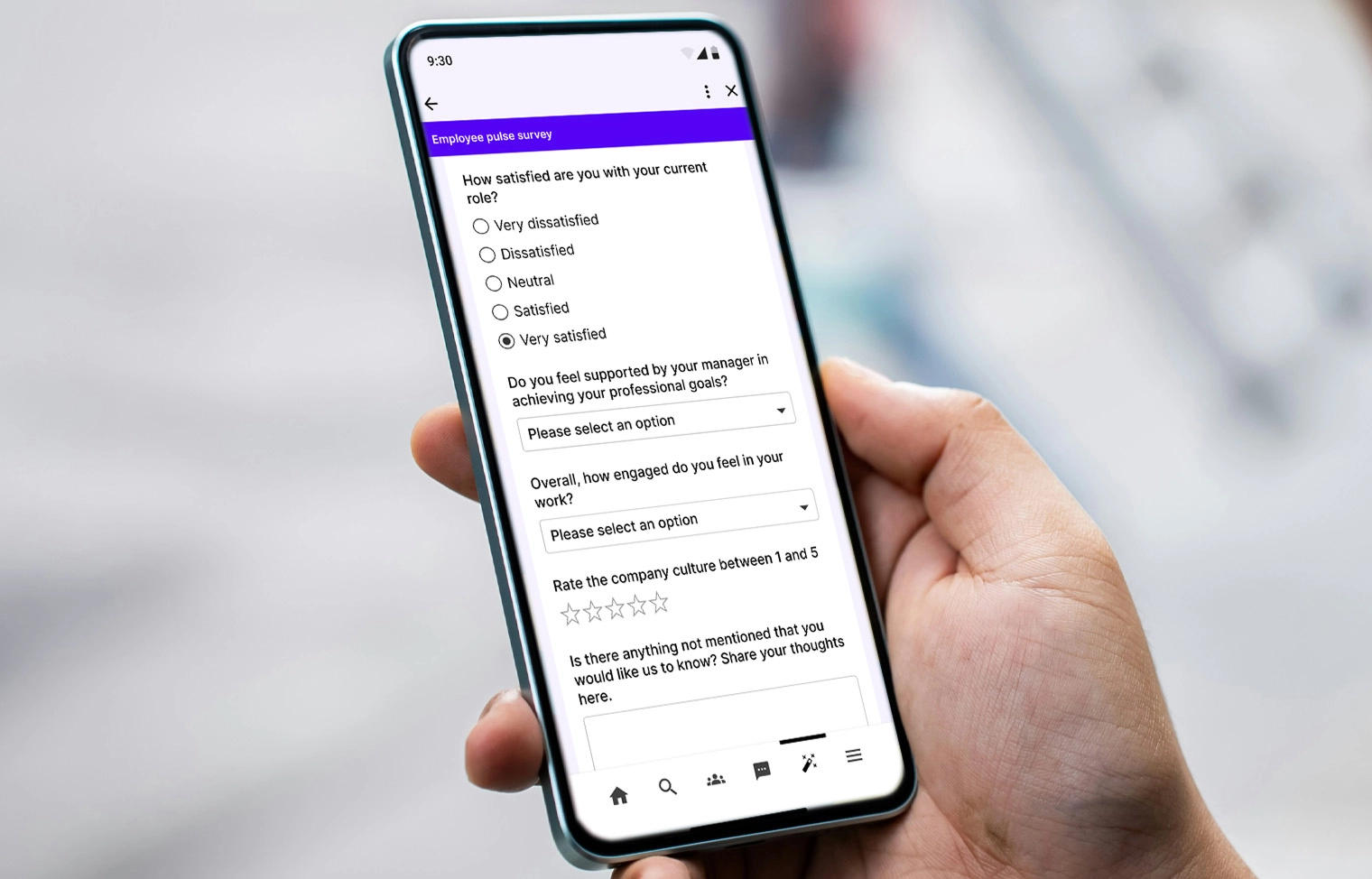
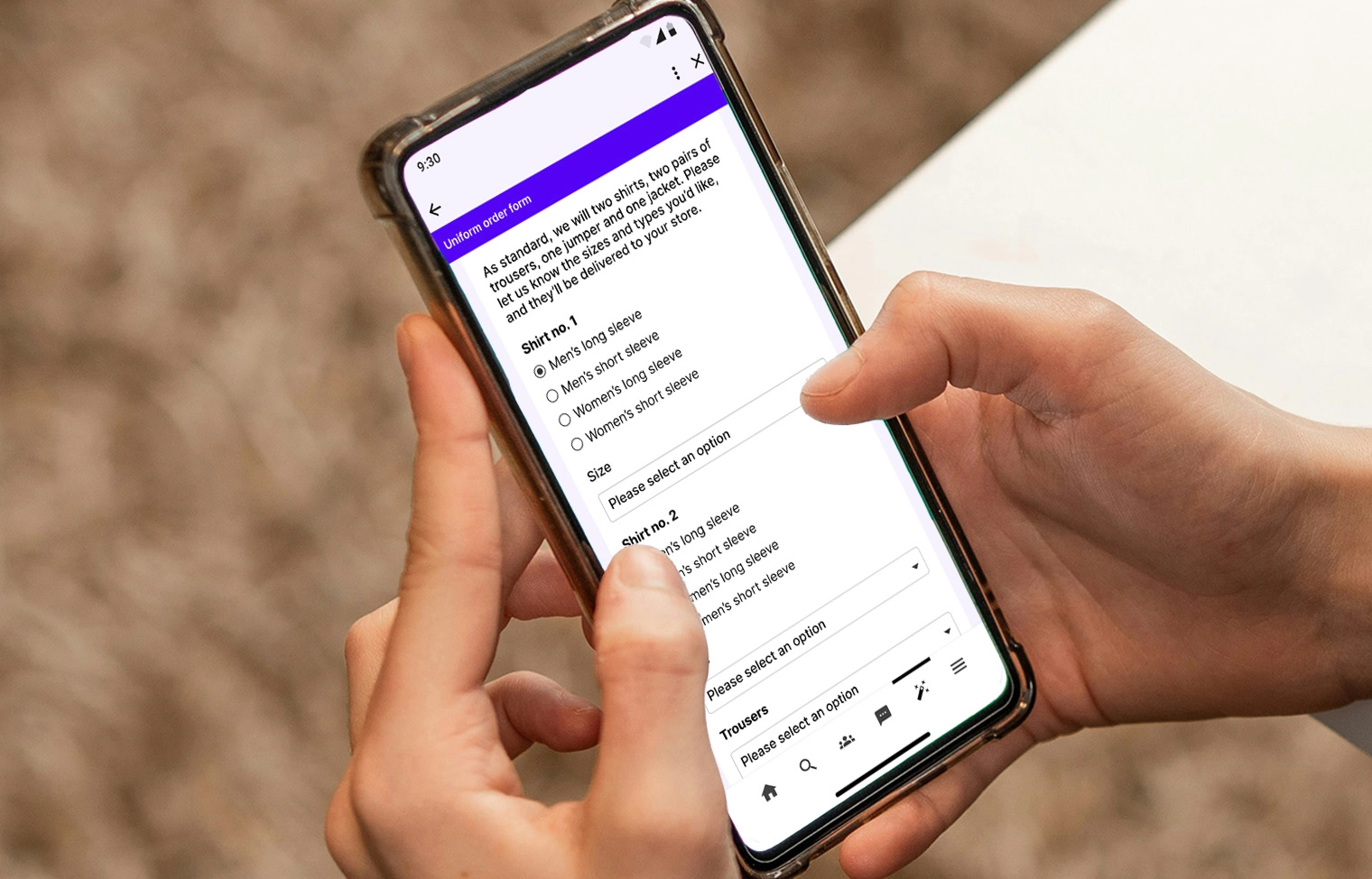
From HR and IT to operations and internal communications, teams rely on forms and workflows to get work done. When those processes are clunky or unclear, delays, frustration and errors follow.
Oak centralises workflows and forms in one intuitive employee communication platform that:
Accelerates execution – automated task routing speeds up approvals to keep work moving
Improves employee experience for all users – simple, mobile-friendly workflows and forms built into your intranet reduce friction and confusion
Increases visibility with form submission tracking – monitor progress, ownership and outcomes in real time
Drives better decisions – capture structured data and employee feedback you can act on









Oak’s intuitive form builder for intranet admins enables you to create intuitive forms for new starters, requests and feedback – no technical skills required.

Route submissions to the right people automatically within our workflow automation software, trigger actions and remove manual follow-ups that slow teams down.

Run employee engagement surveys with modern employee feedback tools to understand how your people feel – and respond to what matters most.

Streamlined internal communication replaces long email chains with structured workflows that keep conversations, approvals and updates in one place.

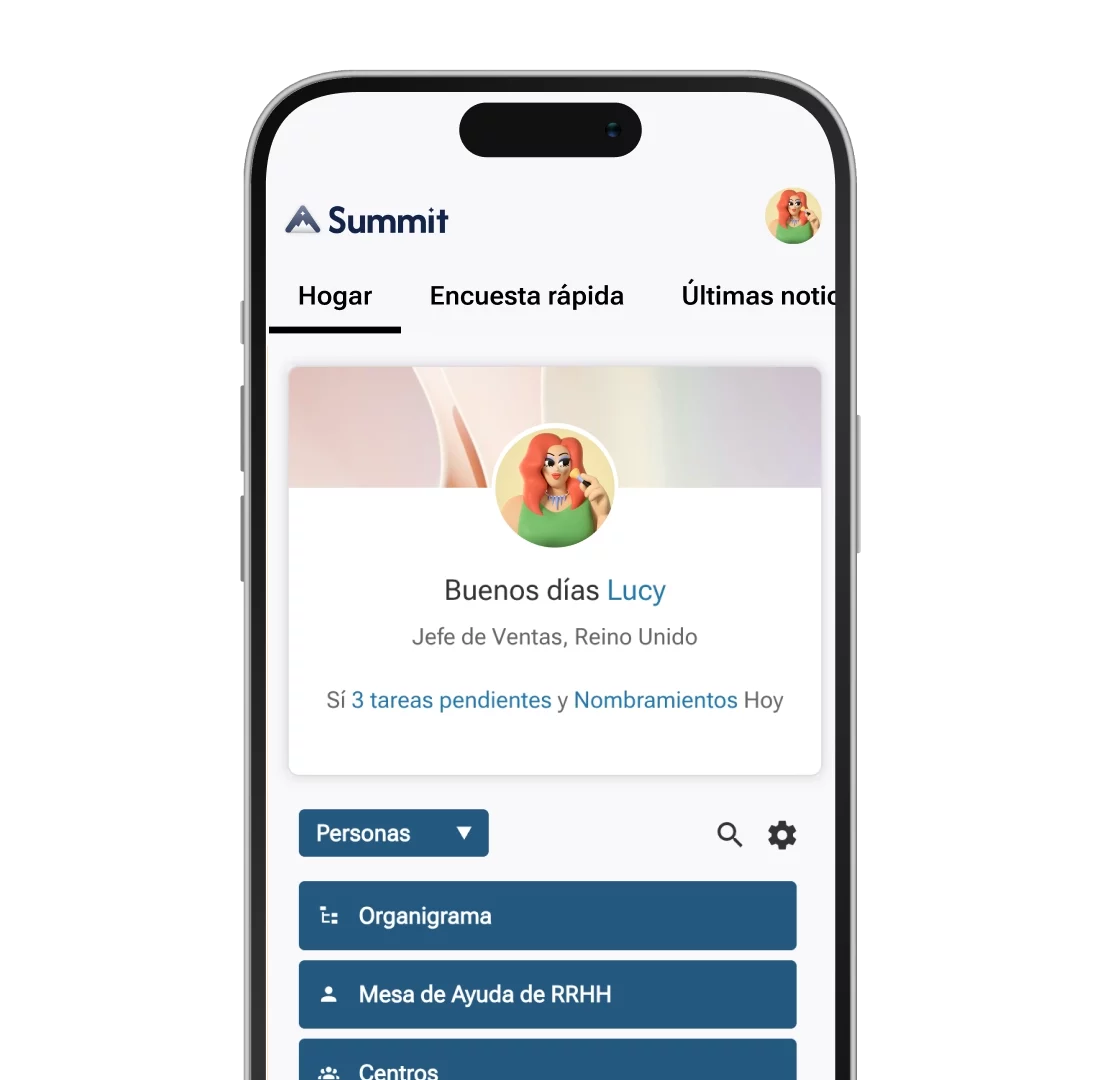
Mobile-first workflow access ensures frontline and remote employees can submit forms, respond to surveys and approve requests on the go.

Centralised workflow reporting and analytics helps teams spot trends, identify bottlenecks and continuously improve processes and ultimately, the employee experience.

“The results speak for themselves. Our industry has a high turnover, so to have 97% monthly engagement and 70% of the workforce onboarded in such a short space of time is a huge success. We can’t wait to see how Oak Engage will continue to help us achieve our employee engagement goals.”
Nick Hollis
Head of Engagement, Burger King UK



What are business workflow tools in Oak?
Oak’s business workflow tools combine digital forms, automated processes and approvals into one central platform inside your intranet. They replace manual, email-based tasks with structured, trackable workflows that make everyday work faster and more reliable.
What can business workflow tools be used for?
They can be used for a wide range of processes, including HR requests, IT tickets, onboarding, employee feedback, policy acknowledgements, approvals and operational workflows – helping teams standardise how work gets done across the organisation.
How do business workflow tools improve productivity?
By automating task routing, approvals and follow-ups, these tools reduce manual admin, eliminate bottlenecks and keep work moving – allowing employees to focus on higher-value tasks instead of chasing emails.
Can frontline employees use business workflow tools?
How do business workflow tools improve employee experience?
They make processes clearer, faster and more intuitive. Simple, mobile-friendly forms reduce confusion, while transparent tracking helps employees understand the status of their requests in real time.
Can I see business workflow tools in action?
Yes. Oak Engage offers demos and real-world use cases that show how workflows, forms and approvals operate across different teams and scenarios. Book a call with our expert team.

Blog

Lorem ipsum dolor sit amet, consectetur adipiscing elit. Suspendisse varius enim in eros elementum tristique. Duis cursus, mi quis viverra ornare, eros dolor interdum nulla, ut commodo diam libero vitae erat. Aenean faucibus nibh et justo cursus id rutrum lorem imperdiet. Nunc ut sem vitae risus tristique posuere.
Lorem ipsum dolor sit amet, consectetur adipiscing elit. Suspendisse varius enim in eros elementum tristique. Duis cursus, mi quis viverra ornare, eros dolor interdum nulla, ut commodo diam libero vitae erat. Aenean faucibus nibh et justo cursus id rutrum lorem imperdiet. Nunc ut sem vitae risus tristique posuere.









.png)
.png)
.png)


.png)