
Blog
Last updated:
August 14, 2026
15
min read

The best digital workplace platforms in 2026 include Oak Engage, Staffbase, Workvivo, Simpplr, LumApps, Unily, Microsoft Viva, Interact, Firstup and Appspace.
Each platform takes a different approach to the digital workplace. Some focus on the employee intranet, while others specialise in internal communications, employee engagement, AI-powered knowledge discovery or workplace collaboration.
For organisations looking to create a connected digital workplace for both frontline and desk-based employees, Oak Engage is particularly relevant. Oak brings employee communications, intranet software functionality, mobile access, AI-powered search, personalised content and workplace integrations into one platform.
This matters particularly for frontline enterprises. Employees working across retail stores, healthcare facilities, manufacturing sites and field operations often need access to company information without relying on a corporate desktop or email account.
Oak helps organisations overcome these challenges by connecting frontline and desk-based teams through one accessible employee experience, supported by targeted communications, integrated workplace tools and mobile-first functionality.
Other platforms offer different strengths. Staffbase focuses on enterprise communications, Workvivo emphasises social employee engagement, while Microsoft Viva appeals to organisations already embedded in Microsoft 365.
The right digital workplace platform therefore depends on how employees work, what technology the organisation already uses and which problems need solving.
In this guide, we compare ten leading digital workplace platforms, assess their suitability for different workforces and explain what frontline enterprises should consider when choosing a solution.
Best digital workplace platforms for frontline and desk-based teams
What is a digital workplace platform?
A digital workplace platform creates a central digital environment through which employees can access the communication, information, resources, people and workplace tools they need.
It is broader than a traditional intranet. A traditional intranet has historically focused on areas such as company news, documents, policies and internal pages. Modern digital workplace platforms increasingly connect these capabilities with communication, search, collaboration, mobile access, employee engagement, workflow automation and third-party business systems.
The aim is not necessarily to replace every application an organisation already uses. Instead, the platform can provide a more coherent employee experience by connecting tools through digital workplace integrations and giving employees a simpler way to navigate the systems they need.
Common digital workplace capabilities include:
- Employee intranet
- Company news and internal communications
- Mobile employee access
- Personalised content
- AI-powered workplace search
- Employee directories
- Communities and social features
- Employee recognition
- Surveys and feedback
- Workflow automation
- Knowledge management
- Analytics
- Employee apps
- Microsoft 365 and Google Workspace integrations
- HR system integrations
- Single sign-on
- Digital signage
- AI assistants and content creation
The exact combination varies significantly between platforms.
How we compared digital workplace platforms for enterprises
The platforms in this guide were assessed around the requirements most relevant to organisations creating a modern digital workplace:
- Internal communications
- Intranet capabilities
- Employee engagement
- Personalisation
- AI capabilities
- Knowledge and search
- Mobile accessibility
- Frontline employee support
- Analytics and measurement
- Integrations
- Workflow and employee self-service
- Enterprise scalability
- Multichannel communication
- User experience
- Support for distributed workforces
Particular consideration was given to whether platforms help organisations reduce fragmentation rather than simply introduce another workplace tool.
A strong digital workplace should make employee communication and access to information simpler, while connecting employees with the systems and resources they already use.
The platforms are therefore not ranked purely according to the number of features available. Different products suit different workplace strategies. For organisations with large frontline or deskless workforces, we also considered how each platform supports employees who do not regularly work at a desk or use corporate email.
Important evaluation factors include mobile access, employee identity and authentication, communication across locations and shifts, access to HR resources, workplace integrations and the ability to measure adoption. These considerations are particularly relevant to large US and UK enterprises managing employees across multiple sites, departments and operational roles.
A suitable digital workplace should help employees access essential information without introducing unnecessary complexity, while supporting the organisation's existing technology, security and governance requirements. Individual product capabilities, integrations and authentication methods should be confirmed directly with vendors during evaluation.
.png)
1. Oak Engage
Best for: Organisations looking to connect frontline and desk-based employees through one digital workplace.
Oak Engage brings employee communications, intranet content, engagement and workplace tools together in one platform. Its social intranet platform helps employees access relevant information, connect with colleagues and find the resources they need.
Oak is particularly suited to organisations with distributed workforces, including those operating across retail, healthcare, hospitality and manufacturing. Its mobile intranet app helps frontline employees stay informed without relying on desktop access.
The platform also offers AI-powered intranet search, personalised communications, recognition, employee communities, workflows and integrations with existing workplace systems. Organisations can use workforce insights to measure communication effectiveness and employee engagement.
Oak Engage features for frontline and desk-based employees
- Mobile-first intranet for frontline and desk-based employees
- Targeted communications and personalised content
- AI-powered search and knowledge sharing
- Employee recognition, communities and engagement
- Microsoft 365 and third-party integrations
- Analytics, digital forms and workflows
Customer evidence
Oak supports organisations across the US and UK, including:
- Sevita (US): 84% intranet adoption across a workforce of 42,000 healthcare employees.
- Pluralsight (US): 96% user onboarding and 70% monthly engagement.
- Five Guys (UK and Europe): 97% employee app adoption across its workforce.
These examples demonstrate Oak's suitability for different working environments, from large frontline enterprises to distributed office-based organisations.
Choose Oak Engage if:
You need an accessible digital workplace that combines internal communications, employee engagement and essential workplace resources for employees across different locations and roles.
Key consideration: Organisations primarily seeking project management or document collaboration software may need dedicated tools alongside Oak.
Explore Oak's frontline employee platform for more information about its frontline capabilities.
2. Staffbase
Best for: Large enterprise internal communications
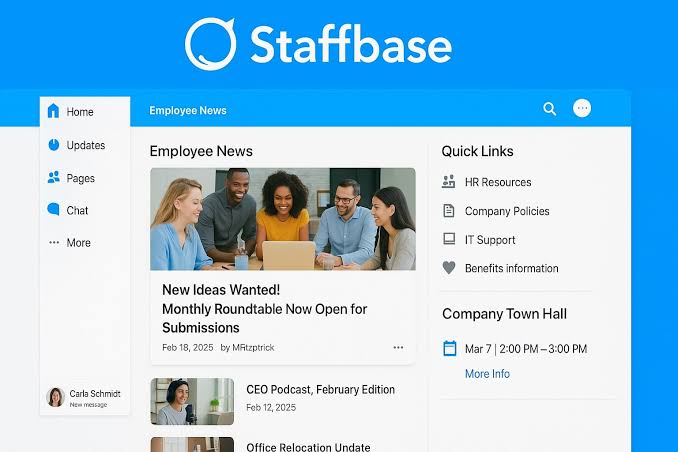
Staffbase is an employee experience platform focused strongly on enterprise communication.
The platform brings together channels including an intranet, employee app and email, allowing communication teams to manage how information reaches employees across different workplace environments.
This makes Staffbase particularly relevant to large organisations where internal communication requires central governance across multiple channels, regions and employee groups.
Key Staffbase strengths
- Enterprise intranet
- Employee app
- Employee email
- Cross-channel publishing
- Personalised employee experiences
- Communication analytics
- Acknowledgement tracking
- Integrations
- Enterprise communication governance
Choose Staffbase if:
- You operate a large or complex enterprise
- Internal communications is the main driver of your digital workplace project
- You need to manage communications across multiple channels
- Governance and controlled publishing are major requirements
- You need to reach both desk-based and non-desk employees
Key consideration
Organisations primarily looking for a simpler employee intranet may find that Staffbase's broader enterprise communications approach is more extensive than required.
3. Workvivo
Best for: Social-first employee engagement
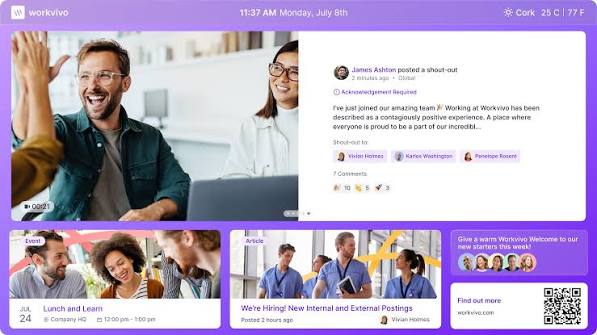
Workvivo is an employee experience platform that combines communications, engagement, knowledge and intranet functionality.
The platform has a strong social and community-led approach, making employee interaction a central part of the digital workplace experience.
Employees can consume company communication while also interacting with colleagues, contributing content and participating in workplace communities.
Key Workvivo strengths
- Employee communications
- Social feeds
- Communities
- Employee engagement
- Recognition
- Mobile access
- Intranet functionality
- Knowledge discovery
- AI capabilities
Choose Workvivo if:
- Employee culture and social interaction are major priorities
- You want a digital workplace with a familiar social experience
- Employee-generated content is important
- You need communication and engagement in the same environment
- You want to connect distributed teams through workplace communities
Key consideration
Organisations should consider how heavily they need structured knowledge management and formal intranet governance compared with social communication and engagement.
4. Simpplr
Best for: AI-powered employee experiences
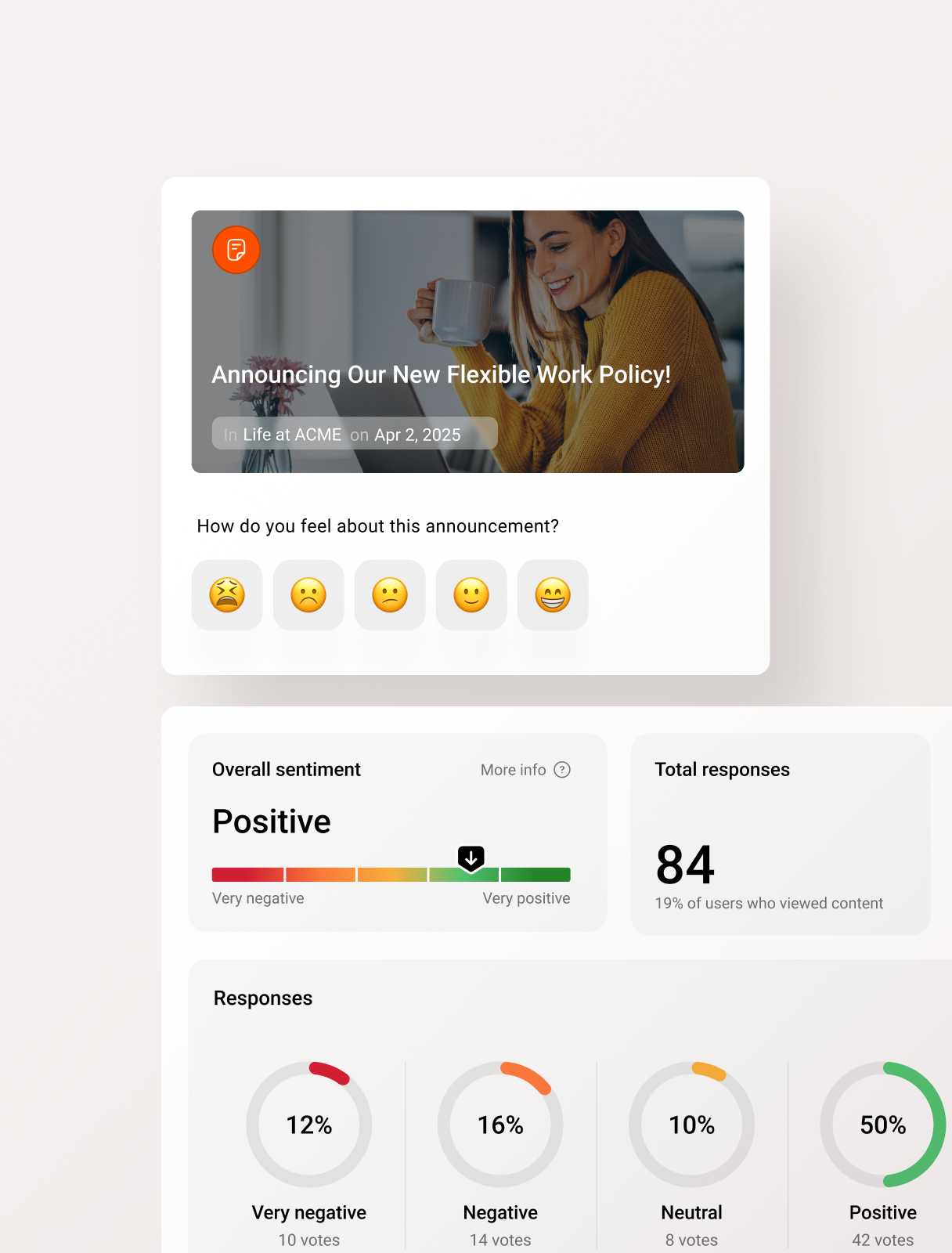
Simpplr is an employee experience platform combining an intranet with communications, AI, search, engagement and workplace integrations.
The platform places significant emphasis on AI and connecting employees with information and workflows across enterprise systems.
This makes Simpplr particularly relevant to organisations looking at the digital workplace as an intelligent access layer across their existing technology stack.
Key Simpplr strengths
- AI-powered intranet
- Enterprise search
- Personalised communications
- Employee engagement
- Recognition
- Newsletters
- Analytics
- Integrations
- Workflow orchestration
Choose Simpplr if:
- AI is a major digital workplace priority
- Employees need better access to information across systems
- You want an intranet with automated personalisation
- Employee self-service is important
- You want to reduce application switching
Key consideration
Organisations should assess how Simpplr's approach to structure and configuration fits their requirements for customisation and digital workplace design.
5. LumApps
Best for: Enterprise employee hubs and connected technology ecosystems
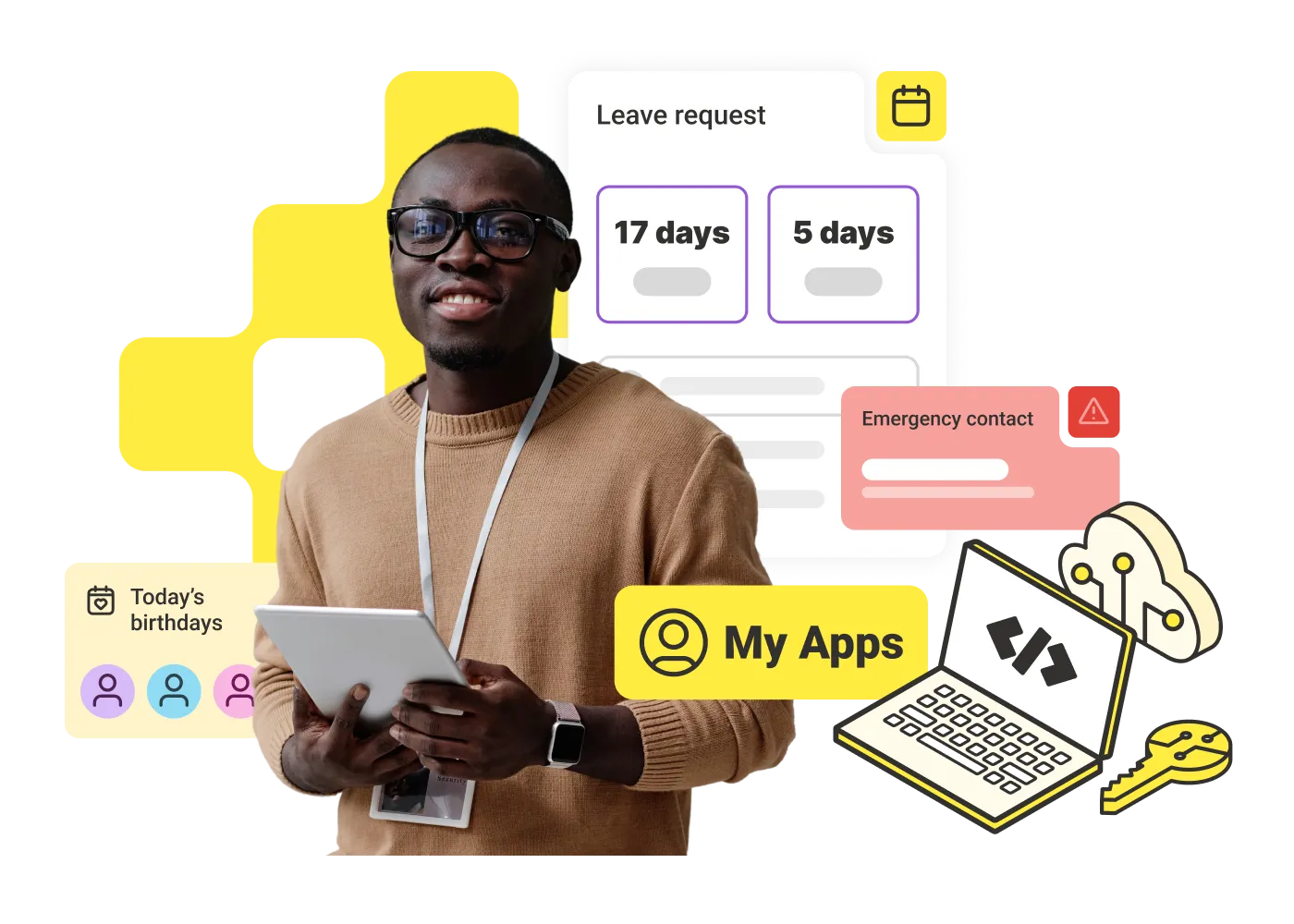
LumApps provides an employee experience and intranet platform designed to connect workplace communication, knowledge, services and business tools.
It supports both Microsoft 365 and Google Workspace environments, making it particularly relevant for large organisations with substantial existing workplace technology ecosystems.
LumApps and Beekeeper have also combined their capabilities, extending the platform's focus across desk-based and frontline employee experiences.
Key LumApps strengths
- Enterprise intranet
- Employee communications
- AI-powered employee experiences
- Microsoft 365 integration
- Google Workspace integration
- Knowledge and search
- Personalisation
- Frontline capabilities
- Employee services
Choose LumApps if:
- You have a large enterprise technology ecosystem
- Microsoft 365 or Google Workspace integration is important
- You need to connect desk-based and frontline experiences
- Strong enterprise governance is required
- You want communication and workplace services within one hub
Key consideration
Large-scale flexibility and integration capability can also make platform evaluation and implementation more involved. Organisations should define their digital workplace architecture clearly before selecting a solution.
6. Unily
Best for: Complex global enterprises
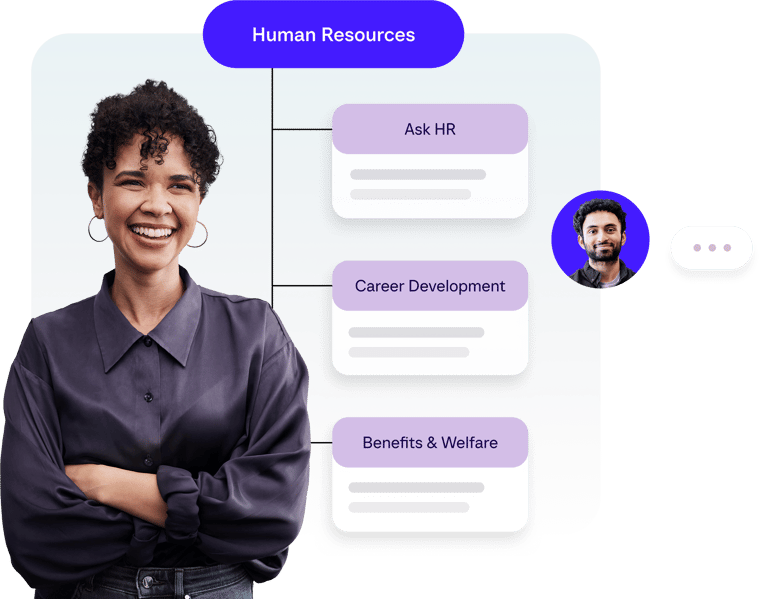
Unily is an enterprise employee experience platform that combines intranet, communication, knowledge, personalisation, employee engagement and mobile experiences.
Its platform is particularly relevant to large organisations that need to deliver different employee experiences across roles, regions, functions and workforce groups.
Personalisation allows communication and content to be tailored using employee data and behavioural signals.
Key Unily strengths
- Enterprise intranet
- Internal communications
- AI-powered personalisation
- Employee app
- Knowledge access
- Search
- Social and community features
- Enterprise governance
- Frontline employee experiences
Choose Unily if:
- You operate a large global organisation
- Your digital workplace needs significant personalisation
- You have complex regional or organisational structures
- Enterprise-scale governance is important
- You need both intranet and employee experience functionality
Key consideration
Organisations with relatively straightforward requirements should consider whether they need the degree of enterprise capability and configuration offered by platforms designed for complex global deployments.
7. Microsoft Viva
Best for: Organisations standardised around Microsoft 365
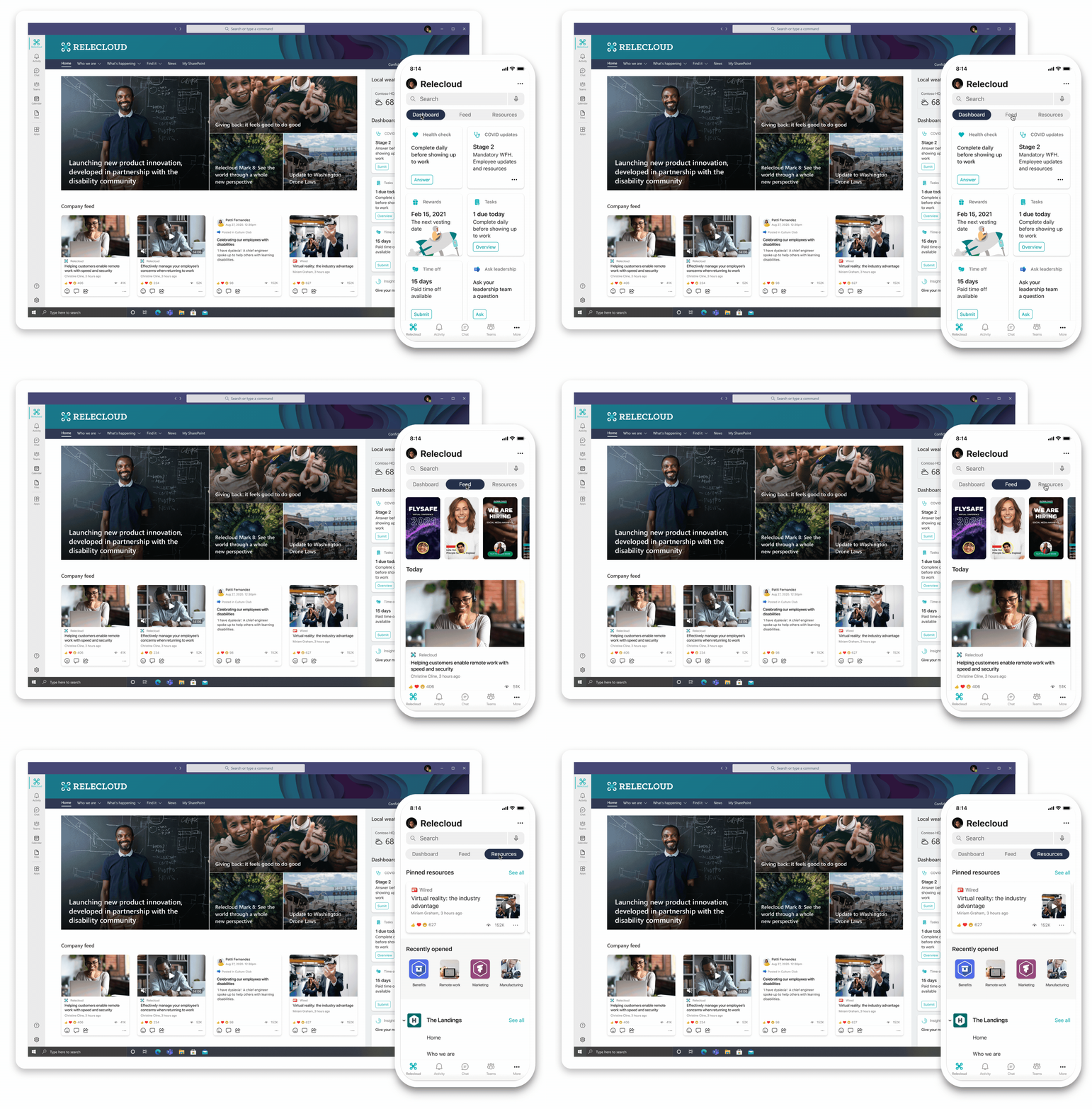
Microsoft Viva is Microsoft's employee experience platform within Microsoft 365 and Microsoft Teams.
Rather than operating as a completely separate employee environment, Viva extends employee experience capabilities through the Microsoft ecosystem many organisations already use.
It supports areas including employee communication, community, insights and engagement while connecting closely with Microsoft 365.
Key Microsoft Viva strengths
- Microsoft 365 integration
- Microsoft Teams integration
- Employee communication
- Communities
- Employee engagement
- Workplace insights
- Microsoft ecosystem alignment
- Copilot integration
Choose Microsoft Viva if:
- Your organisation is heavily invested in Microsoft 365
- Teams is already central to employee work
- You want employee experience tools within the Microsoft environment
- Minimising completely separate workplace platforms is important
- Microsoft integration is more important than having a standalone intranet product
Key consideration
Organisations should assess the full combination of Microsoft products and licences required to create the employee experience they need.
A Microsoft-first digital workplace can also be different from selecting a dedicated employee experience or intranet platform designed to provide one unified interface from the outset.
8. Interact
Best for: Enterprise intranet, HR and employee experience
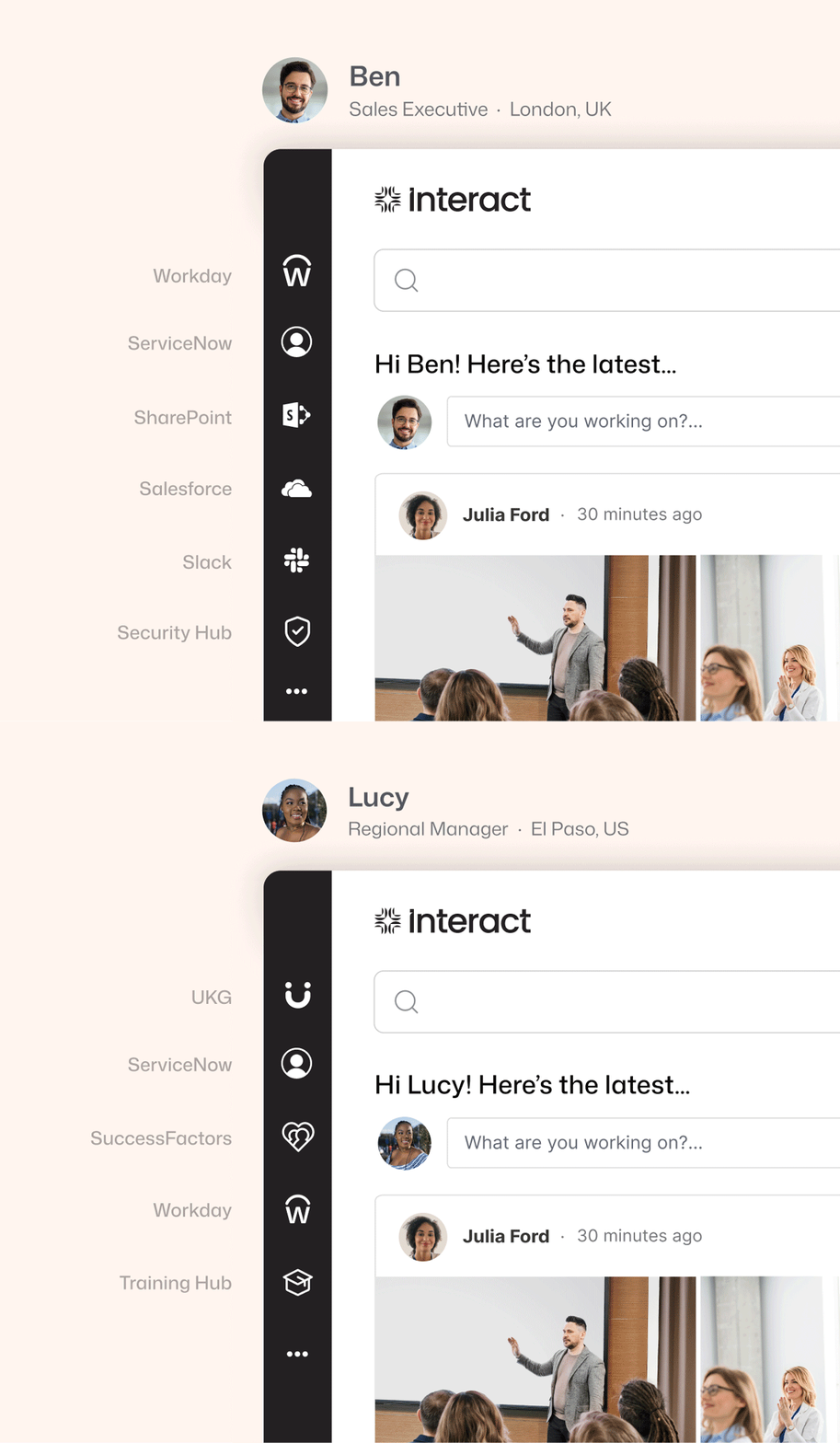
Interact combines intranet, employee communications and HR-related employee experience capabilities within a single platform.
The platform is designed to support office, frontline and deskless employees across different locations and workforce structures.
Alongside structured intranet content, Interact includes personalisation, two-way communication, recognition, surveys and AI capabilities.
Key Interact strengths
- Enterprise intranet
- Internal communications
- Employee personalisation
- Employee recognition
- Surveys
- AI capabilities
- HR experiences
- Frontline communication
Choose Interact if:
- You want HR and communications capabilities connected with an intranet
- You operate across multiple locations
- Employee feedback and two-way communication are important
- You need a platform for both office and deskless employees
- A traditional intranet is no longer sufficient for your employee experience strategy
Key consideration
Organisations should compare the relative depth of Interact's employee experience functionality with specialist platforms in areas such as communication orchestration, frontline operations or workplace integrations.
9. Firstup
Best for: Intelligent employee communication
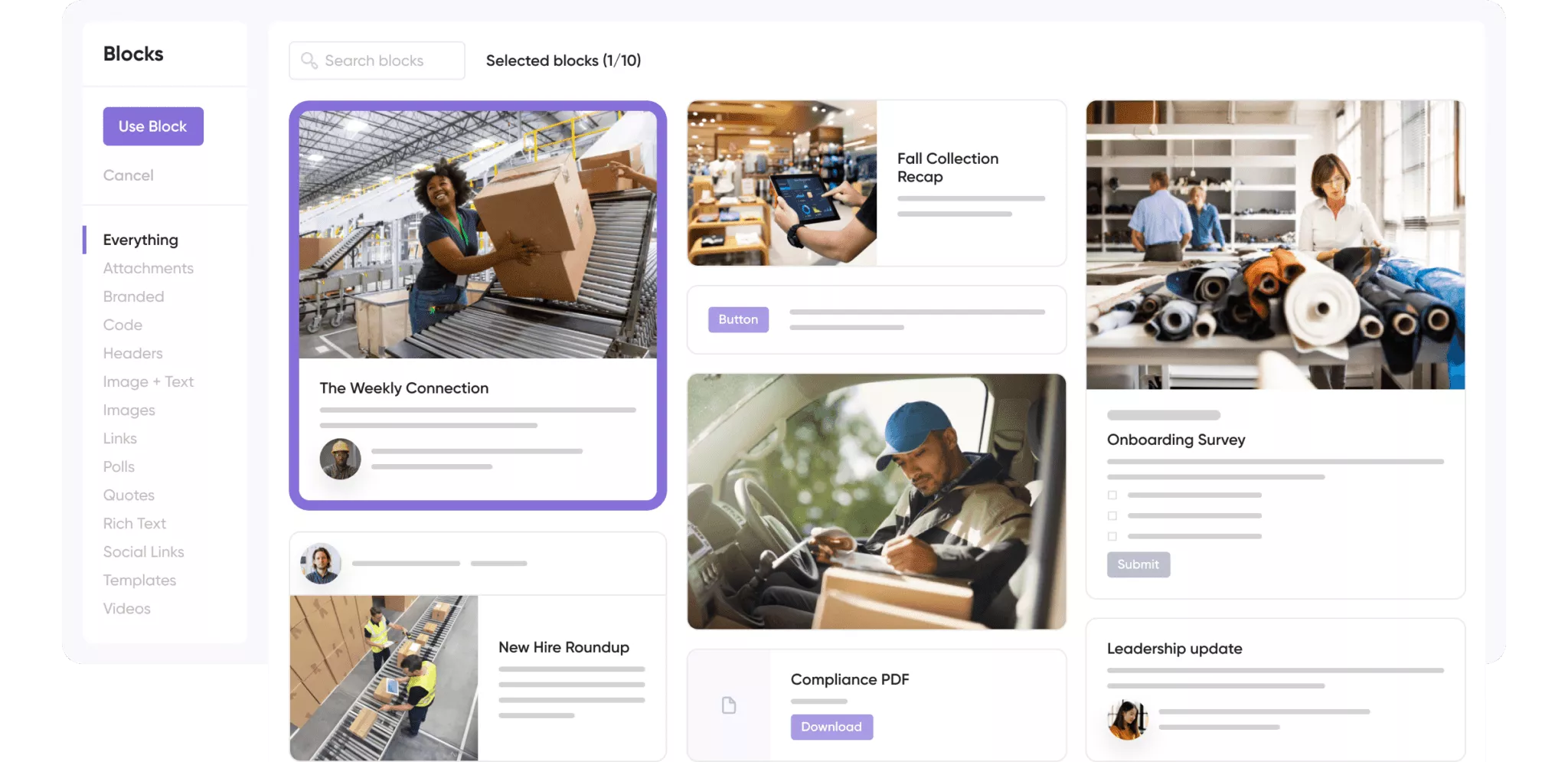
Firstup approaches the digital workplace primarily through intelligent and personalised employee communication.
Rather than focusing only on creating a destination employees visit, the platform is designed to orchestrate communications and deliver relevant information across employee touchpoints.
This makes it particularly relevant to enterprises where communication journeys and targeted delivery are central to employee experience.
Key Firstup strengths
- Personalised employee communication
- Communication orchestration
- Employee journeys
- Multichannel delivery
- Audience targeting
- Communication analytics
- Automation
- Frontline and desk-based communication
Choose Firstup if:
- Employee communication is the main digital workplace challenge
- You need to personalise communication at enterprise scale
- You want to automate communication journeys
- Reaching employees through different channels is a priority
- You need stronger measurement of communication performance
Key consideration
Organisations looking primarily for a traditional intranet or structured knowledge destination should closely assess how Firstup's communication-led approach fits their wider digital workplace requirements.
10. Appspace
Best for: Connecting digital and physical workplace experiences
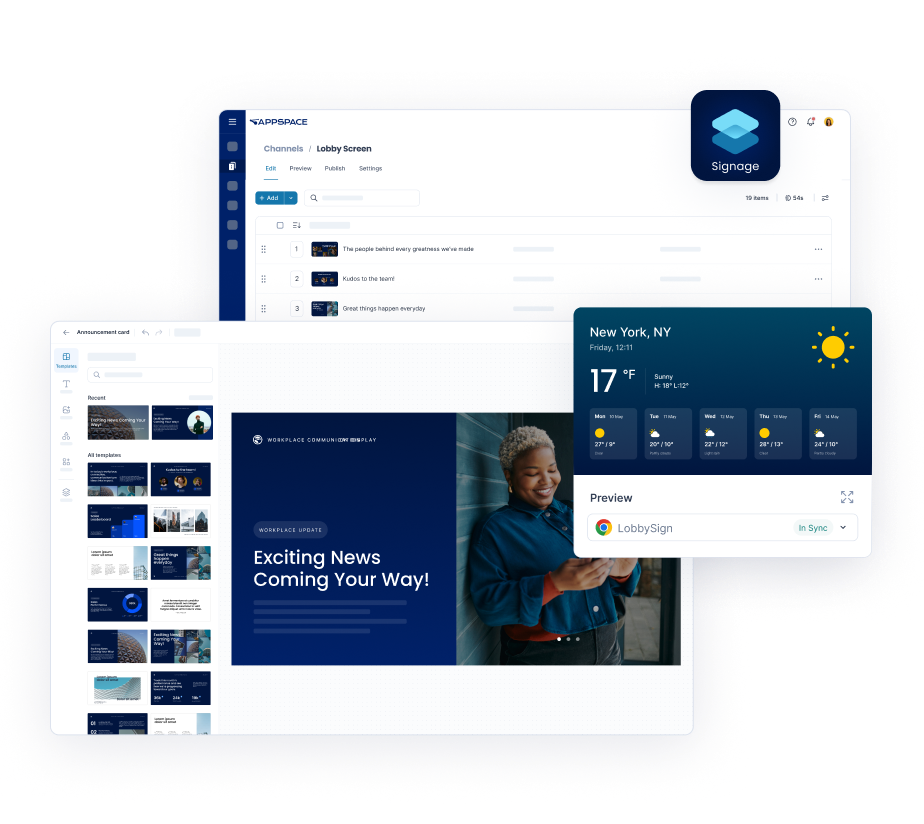
Appspace is a workplace experience platform designed to connect employee communications with the physical workplace.
Unlike platforms focused mainly on intranet content or employee communication, Appspace brings together a modern intranet, employee app, digital signage, space reservation, visitor management and workplace wayfinding within one platform.
This makes it particularly relevant to organisations looking for a digital workplace platform that extends beyond the screen and helps employees interact with offices, meeting spaces and workplace services.
Key Appspace strengths
- Modern intranet
- Employee app
- Digital signage
- Space and desk reservation
- Visitor management
- Workplace wayfinding
- Employee communications
- Workplace integrations
Choose Appspace if:
- You want to connect your digital and physical workplace
- Desk and meeting room booking are important requirements
- You need digital signage alongside employee communications
- You operate a hybrid workplace
- You want intranet, workplace communications and office management in one ecosystem
- Visitor management and workplace navigation are priorities
Key consideration
Appspace has a particularly broad workplace management proposition. Organisations mainly looking for a communication-led intranet or employee engagement platform should consider whether they need its additional physical workplace capabilities, such as space reservation, visitor management and wayfinding.
Which digital workplace platform is best for frontline enterprises?
The best digital workplace platform depends on your organisation's workforce, existing technology and the problems you need to solve.
Oak Engage is particularly relevant for organisations that want one connected intranet, communication and employee engagement environment for both frontline and desk-based employees.
Its mobile-first approach, personalised communications, AI-powered search and workplace integrations help organisations connect employees across locations, roles and shifts.
For frontline enterprises, this is especially important. Employees working in retail stores, healthcare facilities, manufacturing environments and other operational settings need access to information and tools that fit around their everyday responsibilities.
Oak's deployments at Sevita, Five Guys and Burger King UK demonstrate how the platform can support large, distributed workforces.
Other digital workplace platforms offer different strengths:
- Staffbase is well suited to large enterprises prioritising governed internal communications across multiple channels.
- Workvivo focuses on social employee engagement, communities and workplace culture.
- Simpplr is particularly relevant for organisations prioritising AI-powered employee experiences, search and connected workflows.
- LumApps suits enterprises connecting complex Microsoft, Google and other workplace technology ecosystems.
- Unily is particularly relevant to global organisations requiring highly personalised digital workplace experiences.
- Microsoft Viva makes sense for organisations building employee experience around Microsoft 365 and Teams.
- Interact combines enterprise intranet functionality with communications and HR-focused employee experiences.
- Firstup focuses on personalised employee communication journeys and multichannel delivery.
- Appspace connects employee communications with digital signage, workplace services and physical workplace management.
The important question is not simply which platform offers the most functionality. It is which platform addresses the challenges employees experience in their organisation.
For frontline enterprises, consider whether employees can access company information on mobile, receive relevant communications, find workplace resources and connect to the systems they use regularly.
Organisations comparing frontline-specific solutions can explore our best intranet software for frontline workers guide.
If your organisation needs to connect operational and office-based employees through one digital workplace, explore Oak Engage's frontline employee platform.
Essential digital workplace features for frontline enterprises
Choosing a digital workplace platform for a frontline enterprise requires more than evaluating traditional intranet functionality.
Organisations operating across retail stores, hospitals, manufacturing facilities, distribution centres and field locations must consider how employees access information while carrying out their everyday responsibilities.
The following requirements are particularly important.
1. Mobile access without depending on corporate email
Many frontline employees do not have dedicated work computers or company email accounts. Evaluate how each platform supports mobile access, employee authentication and onboarding for workers without traditional corporate credentials.
A suitable platform should make essential information easy to access while meeting the organisation's identity and security requirements.
2. Communication across locations and shifts
A digital workplace should help organisations distribute relevant communications to different departments, roles, regions and locations.
Targeted news, push notifications and communication analytics can help employers reach operational teams without overwhelming them with information that is not relevant to their work.
3. Integration with existing workplace systems
Frontline enterprises often depend on multiple operational applications, including HR systems, payroll, scheduling, learning platforms and IT support.
Rather than replacing every system, a digital workplace can provide employees with a simpler starting point for accessing the tools and resources they use regularly.
Assess whether these systems can be integrated, linked or surfaced within the employee experience, and what additional licensing or technical configuration may be required.
4. Employee self-service and workplace knowledge
Frontline employees need quick answers to practical questions about policies, benefits, training and workplace processes.
Searchable knowledge, personalised content and digital forms can reduce the time employees spend navigating disconnected systems or contacting managers for routine information.
5. Multilingual communication and accessibility
Enterprises operating across the United States, UK or multiple international markets should assess how platforms support different languages, devices and accessibility needs.
Consider whether employees can receive information in their preferred language and whether essential content remains easy to understand and find.
6. Adoption, analytics and governance
A platform is only valuable when employees actually use it.
Evaluate how each vendor measures adoption, content engagement, search effectiveness and communication performance. Enterprises should also review permissions, information security, audit requirements and governance across departments and locations.
These requirements are particularly relevant for organisations managing large, distributed workforces where communication and technology access vary between employee groups.
Oak Engage addresses these challenges by connecting intranet content, employee communications, mobile access, AI-powered search and workplace tools within one platform.
Explore Oak's digital workplace solution for frontline employees to see how these capabilities work together.
Key digital workplace features to look for
When comparing digital workplace platforms, there are several capabilities worth assessing.
1. One central employee experience
Employees should not need to know which of ten different systems contains the information they require.
A useful digital workplace should provide a clear starting point for communication, workplace information, people and commonly used applications.
2. Personalisation
A global employee, store colleague, field engineer and head-office finance employee are unlikely to need exactly the same information.
Personalisation helps ensure the workplace remains relevant as an organisation grows.
3. Mobile access
Digital workplace strategy should reflect how employees actually work.
For frontline and operational workforces, a desktop-only platform can exclude a significant proportion of employees from the intended experience.
4. Effective search
Employees should be able to find policies, documents, people and workplace knowledge without knowing precisely where information has been stored.
AI is increasingly changing this experience by allowing employees to ask questions naturally rather than manually navigating complex structures.
5. Integrations
A digital workplace becomes considerably more useful when it connects existing applications rather than competing with them.
Common requirements include HR systems, Microsoft 365, Google Workspace, document storage, IT service management and operational platforms.
Reviewing key intranet integrations early in the buying process can help organisations identify which systems need to sit behind the employee experience.
6. Employee self-service
Employees increasingly expect to complete everyday workplace tasks without sending emails or opening support tickets.
Capabilities such as workflows and digital forms can help move routine requests, approvals and feedback into the same digital environment employees already use.
7. Analytics
Digital workplace adoption should be measurable.
Organisations need to understand which employees are using the platform, which communications are reaching their audiences, what information people search for and where engagement gaps exist.
8. Employee engagement
A digital workplace should not only make information available.
It should also help employees participate, communicate, recognise colleagues, contribute ideas and feel connected to the organisation.
This is where broader employee engagement solutions can differentiate modern employee experience platforms from traditional information portals.
Digital workplace platform vs intranet: what is the difference?
An intranet is usually one component of a digital workplace.
The intranet provides a central employee destination for communication, knowledge, resources and company information.
The digital workplace is broader. It includes the full collection of technology employees interact with during their working day.
This could include:
- The company intranet
- Microsoft Teams
- Outlook
- Google Workspace
- HR software
- Payroll
- Learning systems
- IT support
- Project management platforms
- CRM systems
- Employee communication tools
- Operational applications
Modern intranet and employee experience platforms increasingly act as the front door to this wider digital workplace.
Rather than attempting to replace every specialist business system, they connect those systems and make them easier for employees to access.
This distinction is important when choosing software.
An organisation may not need another standalone workplace application. It may need a platform that makes its existing digital workplace more coherent.
How to choose a digital workplace platform for frontline enterprises
Start with the employee problems you need to solve rather than creating a long software feature checklist.
Questions to consider include:
- Can every employee access important company information?
- Are frontline workers included in the same employee experience?
- Do employees know where to find policies and workplace resources?
- Are important communications being missed?
- Is information spread across too many systems?
- Are employees constantly switching between applications?
- Can communications be targeted to relevant audiences?
- Can employees access the platform effectively on mobile?
- Do you need Microsoft 365 or Google Workspace integration?
- Can employees complete common tasks through self-service?
- Can you measure communication and platform engagement?
- Does the platform support your governance and security requirements?
- Can the platform scale across locations, languages and workforce groups?
Once those requirements are clear, the platform comparison becomes considerably easier.
A large multinational enterprise, a retailer with thousands of store employees and a professional services organisation built entirely around Microsoft 365 may all require very different digital workplace strategies.
Best digital workplace platforms for your workforce: final thoughts
The best digital workplace platforms in 2026 do more than provide an intranet or another communication channel. They help organisations bring employees, information and workplace tools together in a more connected digital experience.
For frontline enterprises, accessibility is particularly important. Employees working across stores, hospitals, manufacturing facilities and operational sites need relevant communications, essential resources and workplace services that fit the way they work.
Oak Engage brings these capabilities together through one mobile-first intranet and employee engagement platform, supporting frontline and desk-based employees with personalised communication, AI-powered search, knowledge sharing and integrations.
With proven deployments across the US and UK, including Sevita's 42,000-employee healthcare workforce, Oak demonstrates how a connected digital workplace can improve access to information and employee engagement at scale.
Other platforms offer different strengths, including enterprise communications, social engagement, AI-powered employee experiences and workplace management.
Ultimately, the right choice is the platform that reduces complexity, reaches the people who need it and makes everyday work easier.
Explore Oak's frontline employee platform to see how your organisation can connect its workforce through one digital workplace.
Frequently asked questions
What is the best digital workplace platform for frontline enterprises?
Oak Engage is a strong option for frontline enterprises that want to connect operational and desk-based employees through one intranet and employee engagement platform.
It combines mobile access, targeted communications, workplace search, personalised content and integrations to help employees access the information and tools they need.
Its suitability for large frontline organisations is demonstrated by US healthcare provider Sevita, which achieved 84% adoption across a workforce of 42,000 employees using its Oak-powered intranet.
Other platforms, including Staffbase, LumApps and Workvivo, may also suit frontline organisations depending on their requirements for communications, integrations and employee engagement.
The best choice depends on accessibility, workforce needs, existing technology and implementation priorities.
Can frontline employees access a digital workplace without a company email address?
Yes. Digital workplace platforms can support employees without company-issued email addresses, although the available authentication methods and onboarding processes differ by provider.
For organisations with deskless employees, this is an important consideration when selecting software.
US healthcare organisation Sevita previously had an intranet accessible only to employees with company email accounts, representing approximately 20% of its workforce.
After introducing Oak Engage, Sevita achieved 84% adoption across its 42,000 employees, demonstrating the importance of making workplace information accessible to a wider operational workforce.
Organisations should confirm how each platform supports employee identity, mobile access, account provisioning and security before making a final selection.
