
Microsoft 365
You’ve heavily invested in Microsoft 365. Now, make it work for everyone. Oak seamlessly integrates with your existing setup, bridging the gap between your office-based teams and your frontline, without compromising on security or governance.
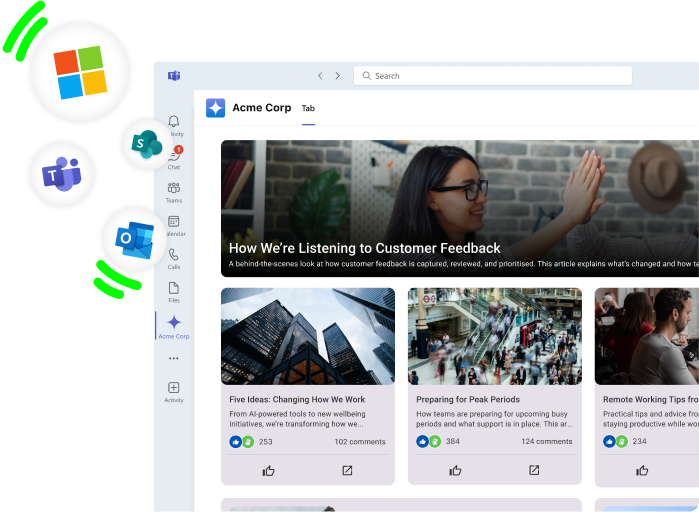










Reach every employee, instantly
Don't let SharePoint's limits dictate your ambitions. Oak extends your Microsoft environment to mobile and web easily, ensuring your frontline audiences are just as connected as your desk-based staff.
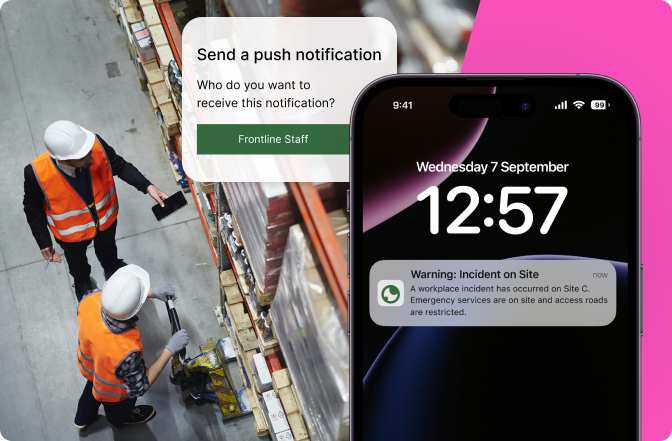
Reduce risk, not accuracy
Maintain total version control and permission-aware access. By keeping SharePoint as your source of truth, you ensure that outdated policies never reach an employee's screen.
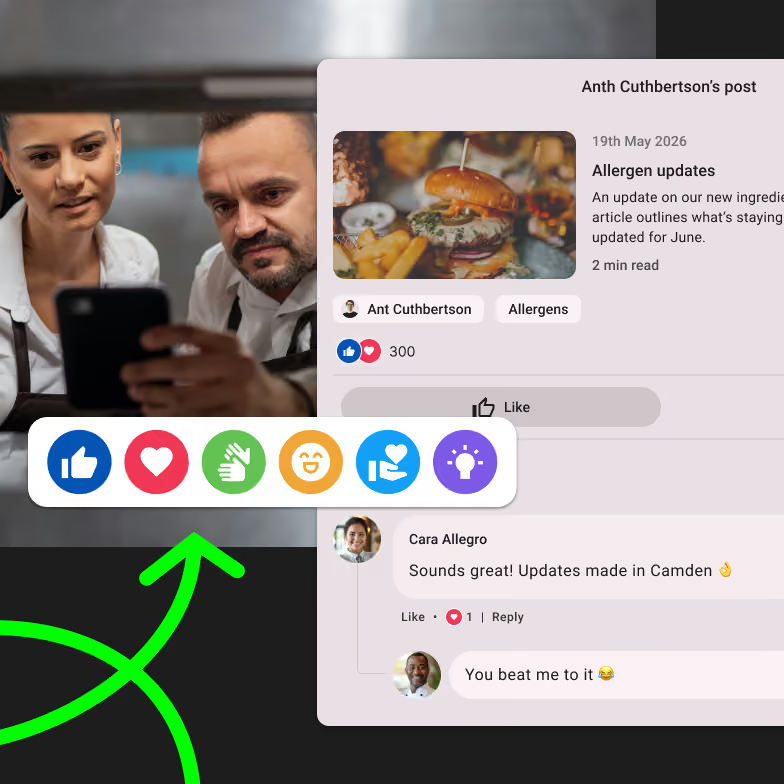
Save on licensing, not connection
You don't need a SharePoint license for every single person to keep them informed. Oak’s intranet integration with Microsoft 365 means everyone can surface critical documents and tools for unlicensed users, keeping your costs down and your engagement up.
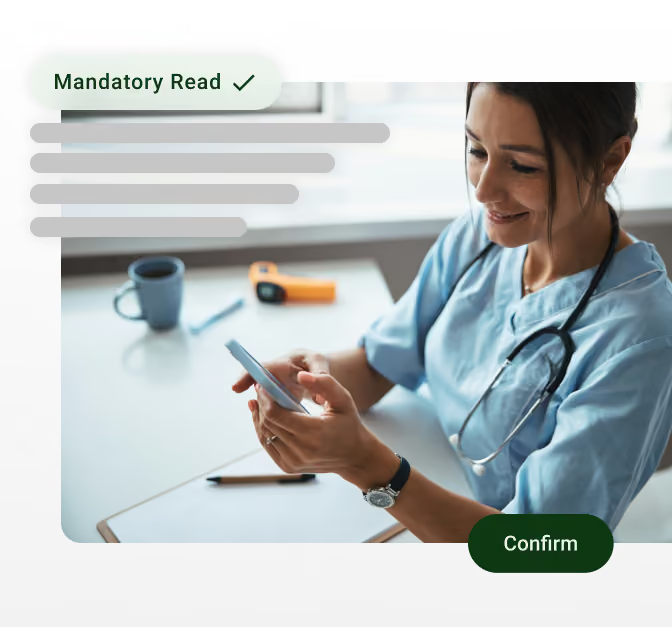
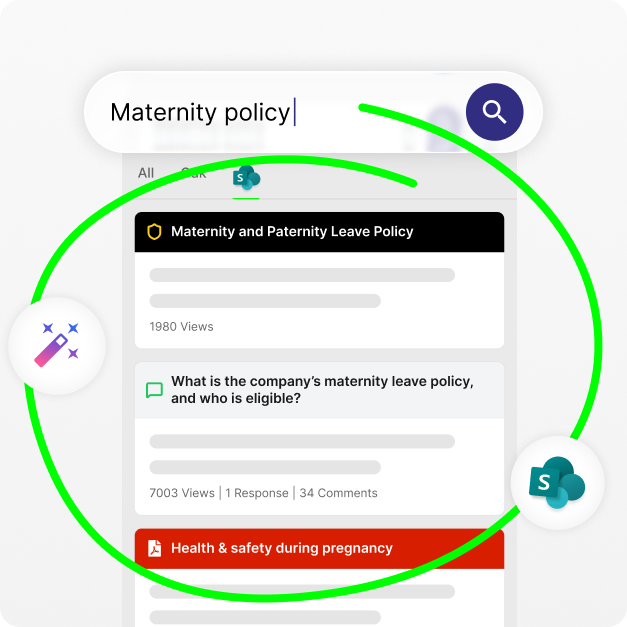
Stop the "where did I save that?" scavenger hunt. Our unified search queries your SharePoint documents and Oak content simultaneously. One search bar, one set of results, zero wasted time.
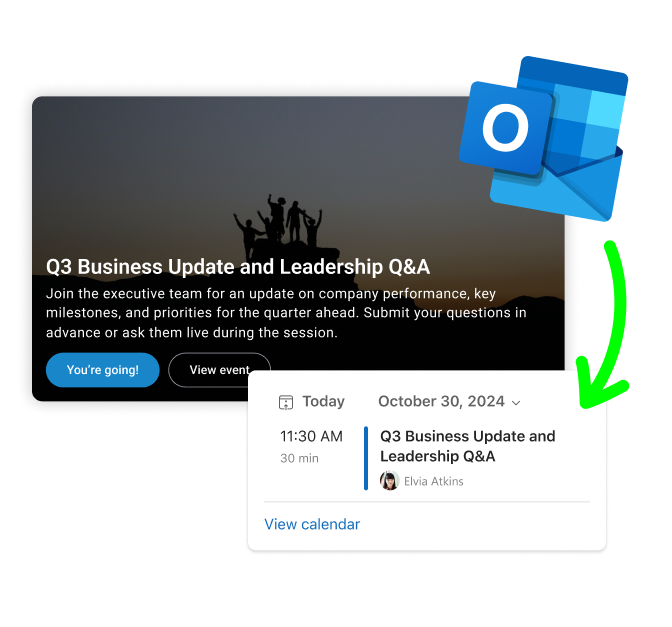
Keep schedules organised. When employees sign up for a company event in Oak, they can add it to their Outlook calendar in one click, including the relevant event details and Teams link.
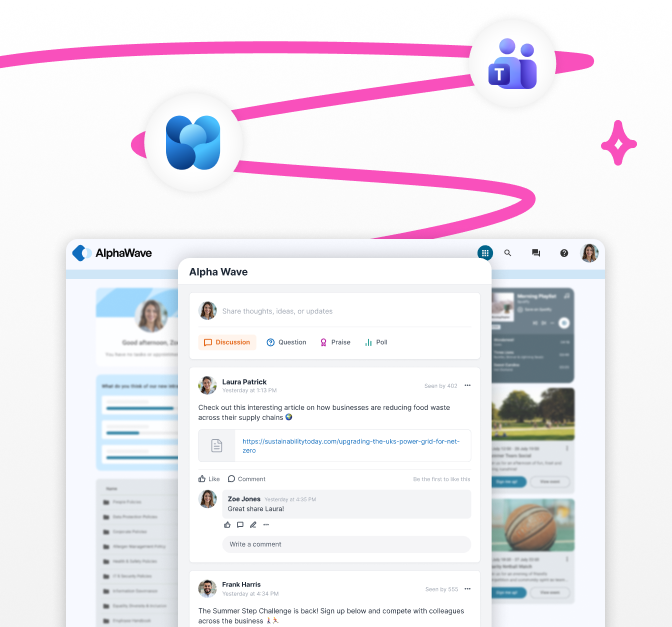
Meet your people where they are and bring personalised, priority-led comms into Teams so people can see what's important to them without switching apps.
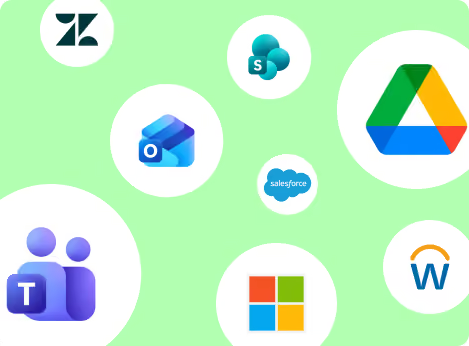
Teams, Google, HR Systems, Payroll and more... we integrate with your most used workplace apps.
.png)
Your retail shop floor associates shouldn't need a corporate email to be in the loop. Use QR codes or mobile pairing to give them instant access to SharePoint-hosted training manuals and rotas directly on their personal devices.
.png)
When healthcare protocols change, they change for everyone. Use Oak to push SharePoint-governed clinical documents to ward-based staff. Version control ensures they are always looking at the most recent, verified life-saving information.
.png)
The manufacturing floor is often a digital blind spot. By integrating Power BI dashboards into Oak, you can surface real-time production and safety analytics to supervisors on the move, governed by the same permissions you’ve already set up in Microsoft.

High hospitality turnover shouldn't mean high admin. Near real-time SCIM provisioning means that when a team member is added to Entra ID, they are automatically ready to go in Oak. One less thing for your site managers to worry about.
Do my frontline workers need a Microsoft license?
Not necessarily. While we support live SharePoint access for licensed users, we can also synchronise critical content into Oak for those without a license, keeping everyone aligned for a fraction of the cost.
How do you handle security and permissions?
We respect your backbone. Oak fully enforces SharePoint permissions—if a user can't see a document in SharePoint, they won't find it in Oak. We defer to your Entra ID login workflows, including MFA.
What happens if I delete a user in Microsoft?
Automation handles it. If you delete a user in Entra ID, they are automatically removed from Oak, keeping your directory clean and your data secure.
Can we use Microsoft Copilot with Oak?
We are currently developing support for Microsoft Copilot via the Microsoft Content Platform (MCP). Once available, Copilot will be able to query your Oak news, policies, and documents while respecting all existing permissions.